
So, I have dabbled, and installed on some old laptops, I have have even a few bootable USB drives gathering dust in draws all over the house and in the office.
I have, for some reason found myself looking into the Linux abyss and feeling myself drawn in. YouTube videos discussing which Linux distro is best for whatever you need.
Bear in mind I am a long time Mac user, what sort of self respecting SDET would be seen with anything but an M4 Macbook pro?
But we testers are a curious lot by nature, we want to know how things work and how we get behind the scenes and push the limits of applications and software, so why not a whole operating system?
What really appeals is all the possibilities, I am personally attracted to Karli Linux and all the open source tools we can use to really dive into all aspects of security testing. The community surrounding Linux is not to be laughed at either, not the expected bunch of gatekeeping purists you imagine living a darkly lit basements but a fun welcome group who will answer most newbie questions I had.
All I have is a out of date Lenovo ThinkPad and a lot of learning and time I was willing to sacrifice.
Me being me I like to learn by videos and reading, I find information stays in my head when adsorbed through a book. I jumped on eBay and was nicely surprised on the amount of choice and the cheapness of the books on there. I know there is a lot of resources online but to reduce distractions good old print will do for my initial requirements.

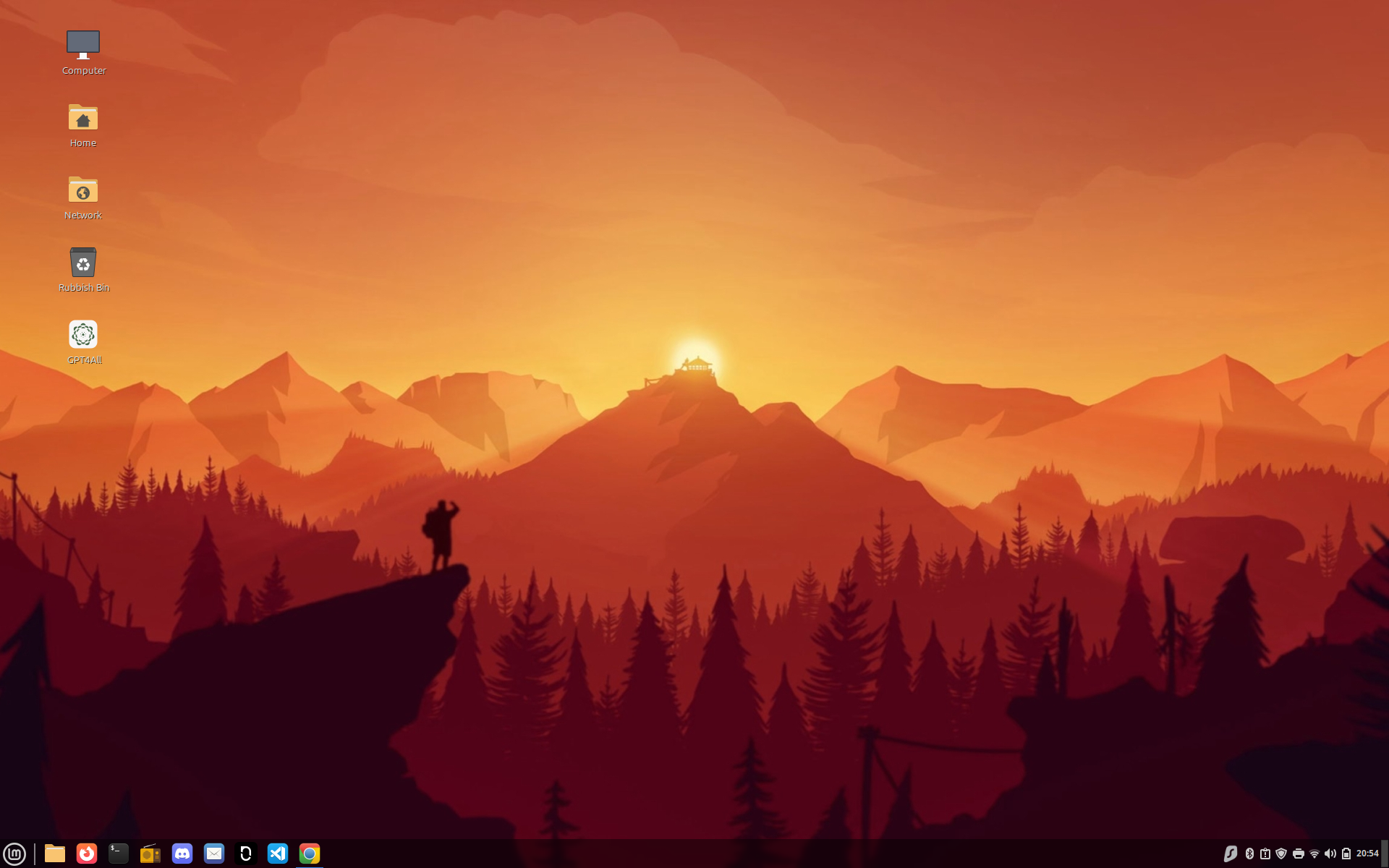
Reading about which I should start with (again for the first time in 10 years) I have opted for the Linux Mint, as the support and learning curve is regarded as the easiest with a look for moving on to Gnome in the near future (closet to Mac desktop as you can get on Linux).
I am less than a week in and the change has not been too bad at all. In fact I am pleasantly surprised on how well I am picking it up.
I am forcing myself to use the terminal as much as possible, even for starting applications.
I have already using shortcuts (much the same as using the search on a Mac)
Ctrl + Alt + t = new terminalI have my notes (no note notes from Apple, but Notesnook) to record everything I do and I think I will need in the future.
I am learning to update and upgrade every time I use Linux
sudo apt update This command refreshes the package lists for upgrades, ensuring your system knows about the latest available software.
sudo apt upgradeThis command upgrades all currently installed packages to their latest versions.
sudo apt dist-upgradeThis command is similar to upgrade but also handles larger changes like kernel updates and can remove obsolete packages if necessary.
sudo apt full-upgradeThis command is similar to dist-upgrade but removes obsolete packages more aggressively.
Though these commands are obvious to all Linux users, it is taking some time for me to get them to truly stick in my head.
Over the coming weeks I will be adding more and more to a guide right here on TheDapperTester.com.

I am really enjoying the simplistic layout and the music player Clementine is a great throwback to simpler days of MP3s rather than the limitless (also endless song hoping) of streaming.
I hope this isn’t just a novelty and I can make this a habit and I don’t drop it numerous other attempts. But if we don’t try we will never find out.

